CodeMath: An Interactive Math Learning Platform
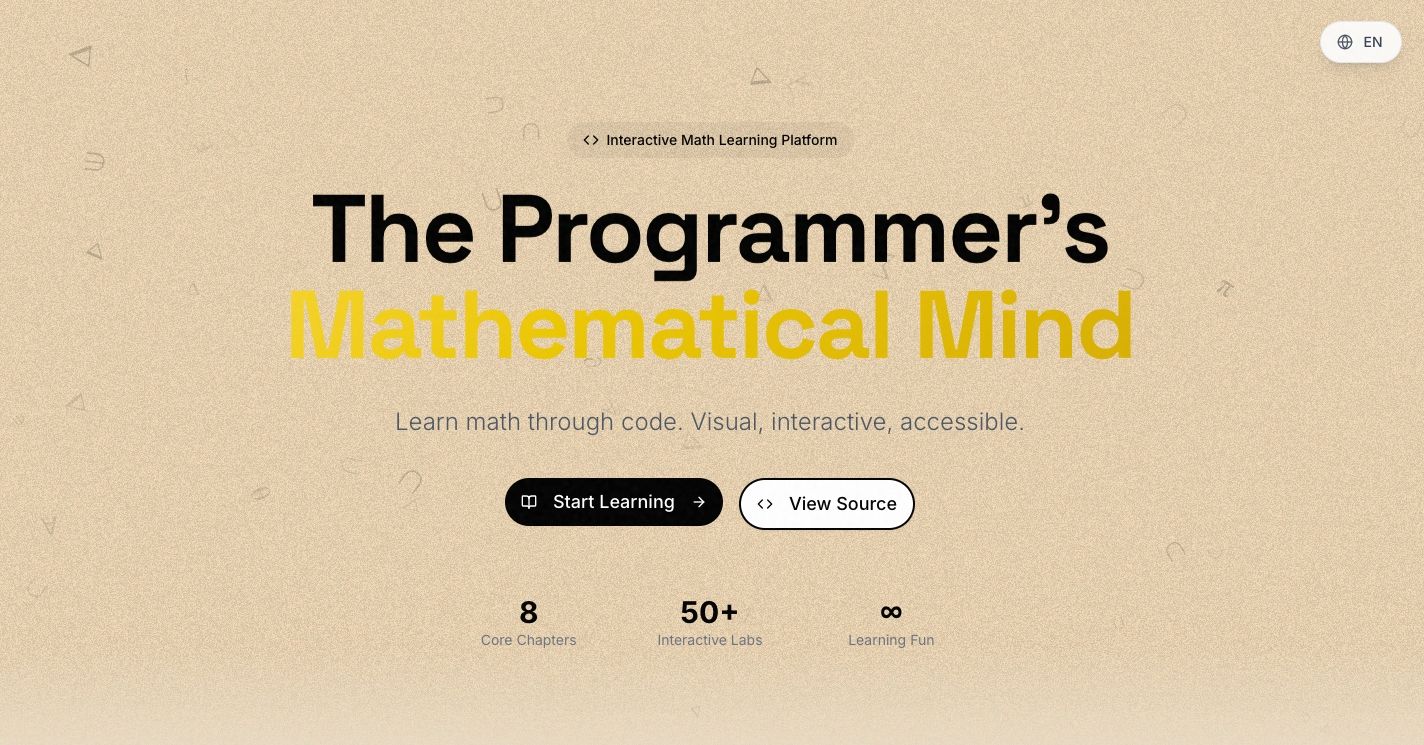
I’m excited to introduce my latest open-source project — CodeMath, an interactive math learning platform built with modern web technologies.
The Inspiration
Mathematics is the foundation of computer science, but traditional learning methods often make it feel abstract and intimidating. I wanted to create something different — a platform where mathematical concepts come alive through interaction and visualization.
CodeMath is inspired by the book “Mathematics for Programmers” (程序员的数学) by Hiroshi Yuki. The chapter topics and learning path follow the book’s structure, while all code implementations, interactive components, and visualizations are original work.
Core Features
🎮 Interactive Chapters
Each chapter features hands-on interactive content that helps you understand concepts by doing:
- Chapter 1: The Story of Zero — Base converter, bitwise visualization
- Chapter 2: Logic — Logic gate playground, truth table generator
- Chapter 3: Remainders — Day calculator, chess magic trick
- Chapter 4: Mathematical Induction — Domino simulator
- Chapter 5: Permutations & Combinations — Card lab, Venn diagrams
- Chapter 6: Recursion — Tower of Hanoi, fractals
- Chapter 7: Exponential Explosion — Paper folding, binary vs linear search
- Chapter 8: Unsolvable Problems — Halting problem simulator
- Appendix: Machine Learning — Perceptron training ground
🌏 Smart Localization
- Bilingual support (Chinese/English)
- Auto-detects your preferred language
- Easy language switching
🚀 Developer Experience
- One-command startup —
./start.shhandles everything - Auto-install dependencies on first run
- Background server mode with PID management
- Comprehensive logging to
logs/startup.log - Smart registry — Auto-switches to Taobao npm registry in China
Tech Stack
Frontend
- React 19 — Latest features and performance
- TypeScript — Type-safe development
- Vite — Lightning-fast build tool
- Tailwind CSS — Utility-first styling
- shadcn/ui — Beautiful, accessible components
Animation & Visualization
- GSAP — Professional-grade animations
- Three.js — 3D rendering and effects
- KaTeX — Fast, beautiful math typesetting
- Lenis — Smooth scroll experience
Quick Start
Clone and Run
git clone https://github.com/hugcosmos/CodeMath.git
cd CodeMath
./start.sh
The script will:
- Ask if you’re in mainland China (auto-configure npm registry)
- Auto-install dependencies on first run
- Start the dev server in background
- Log all output to
logs/startup.log
Visit: http://localhost:5173/
Manual Setup
cd app
npm install
npm run dev    # Start dev server
npm run build  # Build for production
npm run preview  # Preview production build
Live Demo
Try it online: https://codemath.pages.dev/
Project Structure
CodeMath/
├── app/                    # Main application
│   ├── src/
│   │   ├── components/     # Reusable components
│   │   ├── sections/       # Page sections
│   │   ├── chapters/       # Chapter interactives
│   │   ├── hooks/          # Custom hooks
│   │   ├── lib/            # Utilities
│   │   └── i18n/           # i18n configuration
│   ├── package.json
│   └── vite.config.ts
├── logs/                   # Logs directory
├── start.sh                # Start script ⭐
├── stop.sh                 # Stop script ⭐
├── README.md               # Project README
└── tech-spec.md            # Tech specification
FAQ
Q: What if port 5173 is occupied?
A: Run ./stop.sh to stop existing process, or manually change port in app/vite.config.ts.
Q: How to switch npm registry? A: Script auto-detects environment. Manual switch:
npm config set registry https://registry.npmmirror.com  # Taobao
npm config set registry https://registry.npmjs.org       # Official
Q: Dependency installation failed?
A: Delete app/node_modules and app/package-lock.json, then re-run ./start.sh.
Philosophy
💡 Math shouldn’t be just formulas and theorems — it should be tangible and explorable.
CodeMath embodies this philosophy by making abstract concepts visual, interactive, and fun.
License
MIT License — Completely open-source. Contributions welcome!
Links
- GitHub: github.com/hugcosmos/CodeMath
- Live Demo: https://codemath.pages.dev/
Made with 💙 by Nicky & AI